
Introduction
Video editing eats time. Most creators know this firsthand. You plan to publish three videos this week, and somehow two of them are still sitting in the timeline on Friday because you spent Tuesday hunting for the right transition.
A video editing bundle is the fix for that specific problem. One purchase, one folder, everything you need already there. No more scavenging across YouTube freebies and random Gumroad packs.
This guide covers what makes a bundle actually worth buying, what to watch out for, and where to find the best option in 2026.
What Is a Video Editing Bundle?
It is a collection of digital assets — templates, transitions, sound effects, motion graphics, stock footage, color presets — packaged and sold together.
The alternative is buying each category separately, which costs more and takes longer. A bundle trades one purchasing decision for access to a full working toolkit.
Why More Creators Are Using Them
Publishing on YouTube, TikTok, and Reels demands volume. That puts pressure on the editing process. Bundles help because they cut setup time on every video.
Ready-made templates mean you don’t have to rebuild your intro each time. A consistent asset library makes your videos look cohesive without spending extra effort on it. And buying in bulk is cheaper than individual purchases, usually by a significant margin.
The caveat: a large bundle full of filler assets is not a deal. Asset count without quality is just clutter. Worth keeping that in mind when comparing options.
Best Video Editing Bundle for Creators in 2026
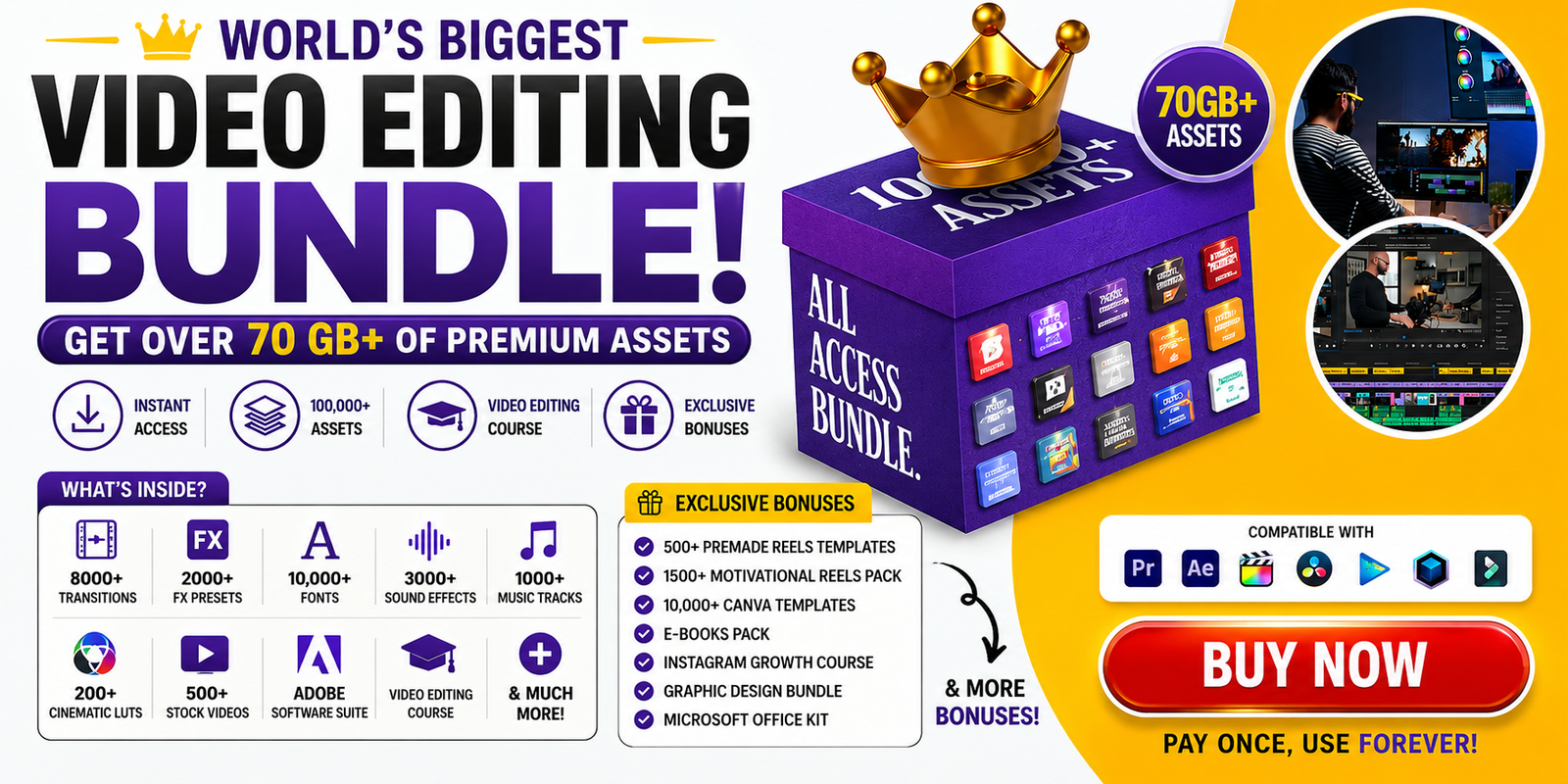
One of the strongest options available right now is this pack from the Diginite store:
👉 World’s Biggest Video Editing Bundle
It covers the full range — templates, transitions, overlays, motion graphics, project files — built for YouTube and social media. It works across major editing platforms and is a one-time purchase, not a subscription.
If you want a large, versatile library without a recurring fee, this is worth a look.
What to Check Before You Buy
Asset Variety
A good bundle covers templates, audio, effects, and graphics. A pack that only includes one category is not a bundle.
Software Compatibility
Verify compatibility with your editor before buying. Premiere Pro, Final Cut Pro, and DaVinci Resolve are the most common. Do not assume.
Preview Samples
Every decent bundle shows previews. If there are none, walk away. You need to see the quality before committing.
Organization
A disorganized bundle wastes your time just like scattered assets do. Check whether the files are clearly labeled and easy to navigate.
Price vs. Usability
More assets is not always better. Ask yourself how many you would realistically use.
Who Gets the Most Out of a Bundle
YouTubers publishing on a regular schedule, freelancers working with multiple clients at once, social media creators posting daily — these are the people who recover the cost fastest.
Beginners also benefit, especially if you want a complete toolkit without spending months building one from scratch.
If you only edit occasionally or need something highly specific, a bundle might not be the right fit. But for anyone trying to publish more without adding hours to each edit, it pays for itself quickly.
How It Affects Your Output
Faster editing means more videos published. Better-looking videos get more engagement. A consistent visual style builds recognition — and recognition builds the kind of audience that sticks around.
Those are not abstract claims. If a pre-built template saves you two hours per video and you publish twice a week, that is four hours back in your week. Every week.
FAQs
What is the best video editing bundle for beginners?
Look for clearly labeled templates, beginner-friendly organization, and support for popular editors. Avoid packs that require advanced motion graphics skills to use the basics.
Can I use video editing bundles for YouTube?
Yes. Most bundles include YouTube-specific assets — intros, end screens, transitions, lower thirds. Check the product listing to confirm what is covered.
Are video editing bundles worth it?
For consistent creators, usually yes. The time savings on the first few videos typically outweigh the upfront cost. For occasional editors, it depends on how much of the library you will actually use.
Where can I buy a video editing bundle?
A solid option: World’s Biggest Video Editing Bundle
Do video editing bundles work with all software?
Most support Premiere Pro, Final Cut Pro, and DaVinci Resolve, but compatibility varies by bundle. Always check before buying.
Bottom Line
If editing is the bottleneck in your content workflow, a good bundle removes it. Less time hunting for assets, more time actually publishing.